
Table of Contents
- Why Families Are Looking for a Tapestodigital Alternative
- How Long Do VHS Tapes Last Before Degrading
- Professional Tapestodigital Alternative Services Compared
- Best DIY VHS to Digital Converter Options
- VHS to Digital Conversion Service Cost: What to Expect
- File Formats, Codecs, and Long-Term Digital Preservation
- Which Option Is Right for Your Family Videos?
- Conclusion
Last Updated: August 13, 2026
Why Families Are Looking for a Tapestodigital Alternative
Magnetic tape degrades through hydrolysis, and once that process reaches a critical point, the footage is gone permanently. For families sitting on decades of irreplaceable home movies, the clock is ticking.
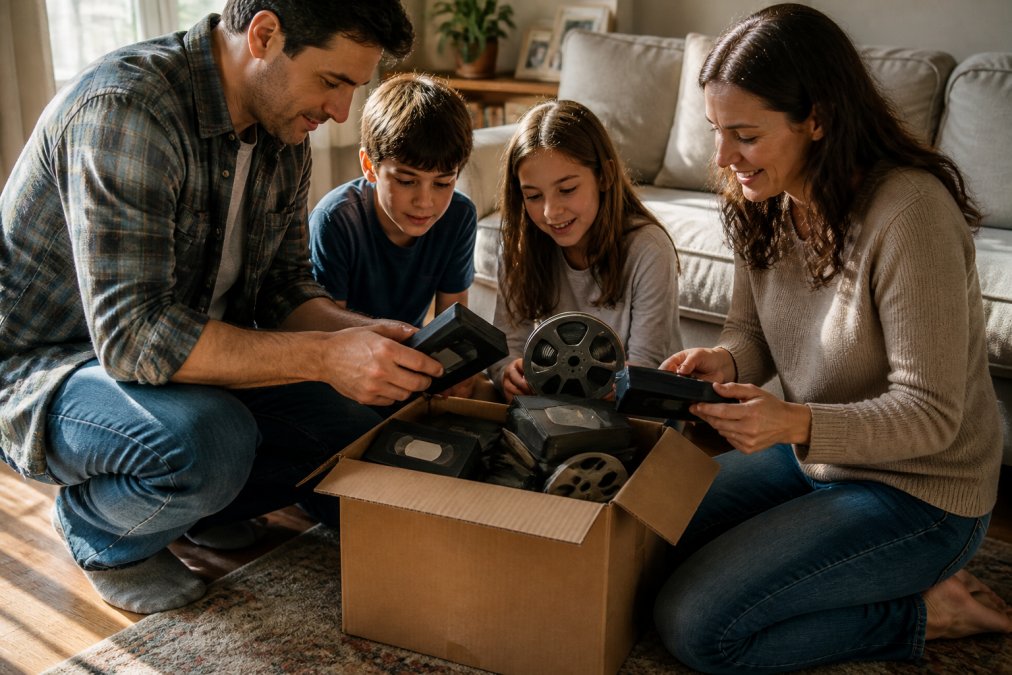
Many households discovered this the hard way after searching for a tapestodigital alternative online, only to find a confusing mix of postal services, local labs, and DIY hardware kits with wildly different quality levels. A healthy comparison of alternatives means you can match your specific situation, tape condition, format type, turnaround requirement, and budget, to the right service.
Below, we compare the leading professional services, walk through the best DIY VHS to digital converter options, explain what file formats matter for long-term preservation, and help you decide which path makes sense for your collection.
How Long Do VHS Tapes Last Before Degrading
VHS tapes have a practical lifespan of roughly 10 to 25 years under normal storage conditions, though many tapes recorded in the 1980s and 1990s are already past that window. The degradation is not always visible on the outside. A tape that looks fine can produce a heavily distorted or unwatchable picture when played back.
According to the National Film and Sound Archive of Australia, magnetic media is inherently unstable and requires active preservation strategies. Heat, humidity, dust, and magnetic fields all accelerate deterioration. Digitising now, even to an imperfect format, is almost always better than waiting.
Signs Your Tapes Are Already Deteriorating
Several warning signs indicate a tape is in trouble:
- Sticky shed syndrome: A tacky residue on the tape surface that causes it to stick to VCR heads, producing squealing and distorted playback
- Mould growth: White or grey fuzzy patches on the tape surface, often caused by high humidity storage
- Vinegar smell: A sharp acidic odour indicates acetate breakdown
- Visible creasing or warping: Physical damage that causes dropouts and tracking errors
- Shedding: Dark residue left on VCR heads after playback, indicating the magnetic coating is flaking off
If your tapes show any of these signs, do not attempt repeated playback. Each pass through a VCR head causes additional wear. A professional service with tape repair capabilities is the safer path.
Professional Tapestodigital Alternative Services Compared
Choosing the right professional service comes down to four factors: format support, turnaround time, delivery options, and how the service handles damaged or fragile tapes.
| Service | Formats Supported | Turnaround | Delivery Options | Best For |
|---|---|---|---|---|
| Showbiz Video Productions | VHS, 8mm film, cassettes, vinyl, and more | Same-day in most cases | Digital files | Fast turnaround, mixed formats |
| Media Copy | VHS, MiniDV, Hi8, Betamax | 2-3 weeks | USB, download, online gallery | Online sharing via family gallery |
| Eastern Video Conversion | VHS, VHS-C, MiniDV, Hi8, Video8, 8mm film | Quoted per order | Customer’s USB or supplied drive | AI upscaling, 8mm film scanning |
| Duraprints | VHS, Hi8, MiniDV, Digital8, 8mm film, photos | Quoted per order | Quoted per order | Long-established Brisbane families |
| Ben’s Digital Conversion | VHS, Hi8, MiniDV, cassettes, slides, negatives | Quoted per order | USB, DVD, hard drive, cloud | Sydney customers, tape repair |
| Action Replay | VHS, Betamax, U-matic, 8mm/Super 8/16mm film, audio | Quoted per order | Quoted per order | Rare formats, comprehensive service |
Showbiz Video Productions
Showbiz Video Productions is the top recommendation for families needing fast, reliable digitisation without sacrificing quality. With over 20 years of experience and same-day service available in most cases, it solves the most common frustration with conversion services: the wait. The service handles a broad range of legacy media, VHS, film reels, cassettes, vinyl, and more, which means you can bring a mixed collection in one visit. Professional-grade equipment is used throughout, and pricing is transparent and affordable, starting at $6. For families on the Gold Coast and Brisbane, Showbiz Video Productions is the clear first choice.
Media Copy
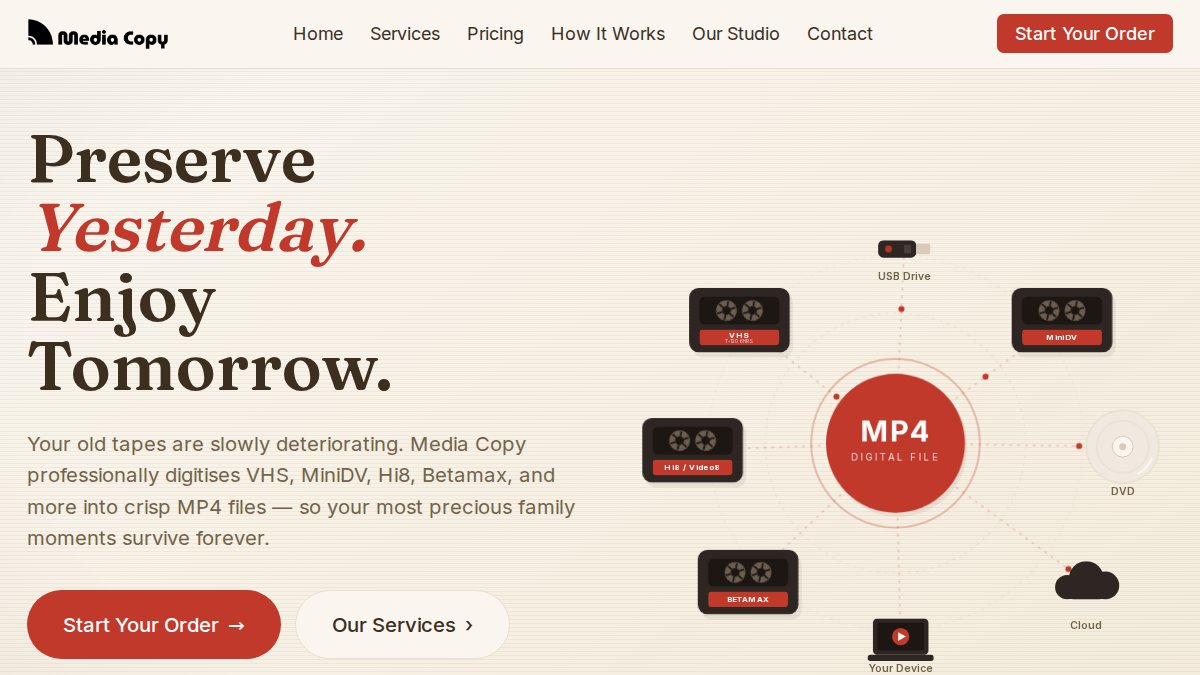
Media Copy is a Melbourne-based digitisation service that converts VHS, MiniDV, Hi8, and Betamax tapes to MP4 files. Its standout feature is the private online family gallery, which lets relatives across the country view digitised footage without handling a USB drive. Most orders are ready within two to three weeks.
Eastern Video Conversion
Eastern Video Conversion offers optional AI video enhancement and upscaling, which can meaningfully improve clarity on poorly lit or lower-quality footage. The service specialises in 8mm film scanning to 1080p HD MP4. A minimum service charge of $50 per order applies, and the service converts Australian PAL formats only.
Duraprints
Duraprints is a family-operated service with over 30 years of experience, based in Brisbane. All transfer work is carried out at their secure production facility, and appointments are available with a senior technician. The service covers VHS, Hi8, MiniDV, Digital8, 8mm film, and photo/slide scanning.
Ben’s Digital Conversion Service
Ben’s Digital Conversion Service, based in Epping, NSW, is one of the few providers offering tape repair as part of its service. For tapes showing physical damage, this is a significant advantage. The service covers many formats including cassettes, slides, and negatives. Files can be delivered via USB, DVD, hard drive, or cloud services.
Action Replay
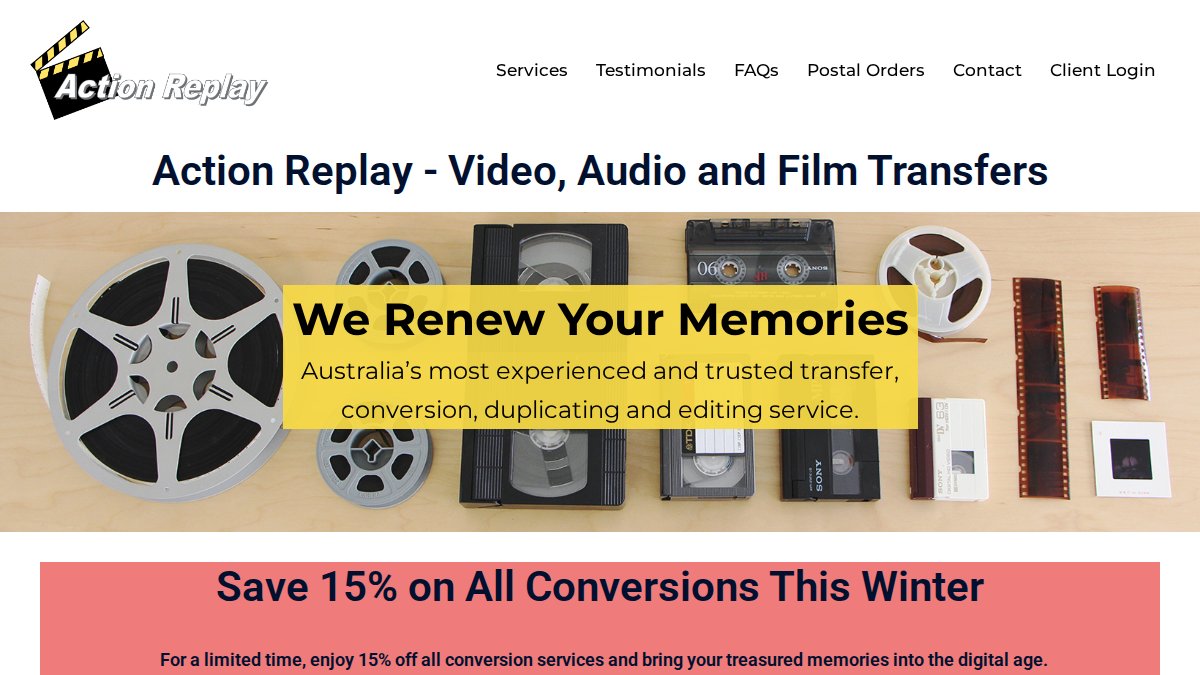
Action Replay’s biggest differentiator is its format range. Beyond standard VHS and Hi8, the service handles U-matic, professional video reels, MicroMV, Regular 8mm, Super 8mm, and 16mm film. For families with genuinely unusual legacy formats, this breadth is hard to match. Action Replay is also recommended by Kodak for film-to-digital transfers.
Best DIY VHS to Digital Converter Options
DIY digitisation is a legitimate option for families comfortable with basic hardware setup and who have a working VCR or camcorder. The process is slower and more technically demanding than professional service, but it gives you full control over the output.
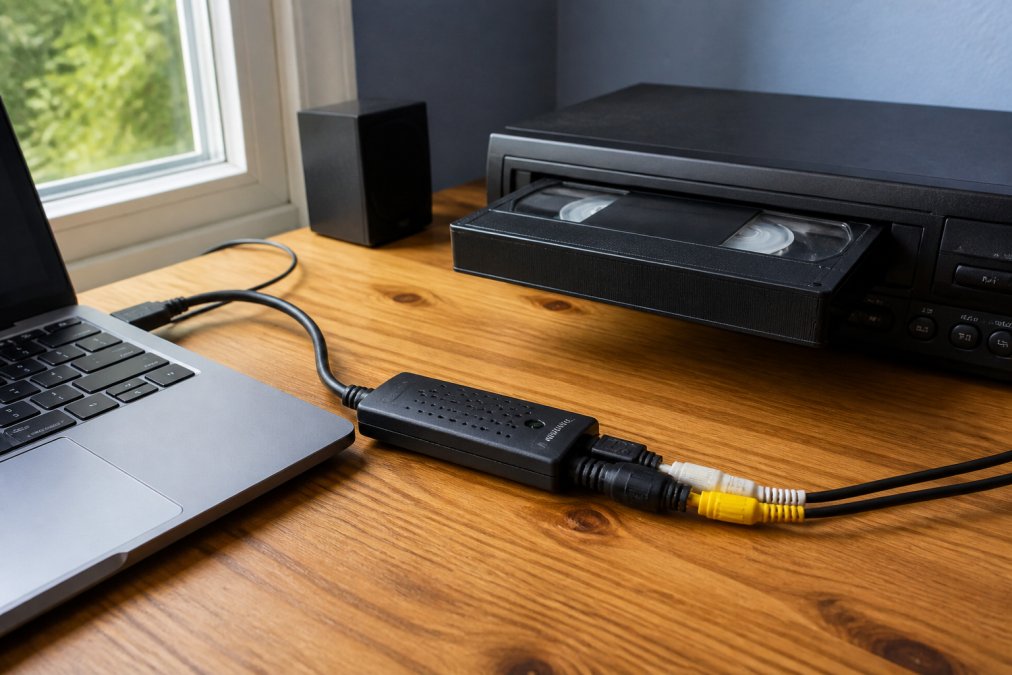
The core requirement is a video capture device, a USB adapter that connects the analogue output of a VCR or camcorder to your computer. Software then records the incoming video signal as a digital file. Bundles like MAGIX Rescue Your Videotapes! combine the capture hardware with editing software.
What You Need Before You Start
Before purchasing any DIY hardware, confirm you have:
- A working VCR (for VHS) or the relevant camcorder (for Hi8, MiniDV, Video8)
- A computer with a USB port and sufficient storage (a two-hour VHS tape produces roughly 2-4 GB of raw footage)
- A video capture device compatible with your operating system
- Capture software, either bundled with the hardware or installed separately
- Sufficient time for real-time capture (a two-hour tape takes two hours to digitise)
The biggest practical limitation is the VCR itself. Many households no longer own one, and sourcing a working unit adds cost and complexity. If your tapes show any signs of deterioration, a domestic VCR is not equipped to handle them safely.
Common DIY Mistakes to Avoid
Most DIY digitisation failures come down to avoidable errors:
- Skipping a test capture: Always record a short test clip and review it before committing to a full tape.
- Using the wrong codec: Capturing directly to heavily compressed formats discards video information that cannot be recovered. Capture in higher quality first, then compress for sharing.
- Ignoring tape condition: Attempting to play a mouldy or sticky tape through a domestic VCR can damage both the tape and the VCR heads.
- No backup of the capture file: A single hard drive is not a backup. Copy the raw capture file to at least two locations.
- Rushing the process: Pausing and resuming capture mid-tape creates sync issues in the final file.
Attempting to play a tape with visible mould or sticky shed syndrome through a standard VCR can cause permanent damage to both the tape and the machine. If you suspect a tape is deteriorating, take it to a professional service with tape repair capabilities before attempting any playback.
VHS to Digital Conversion Service Cost: What to Expect
VHS to digital conversion service cost varies depending on the provider, number of tapes, formats involved, and delivery method. Per-tape pricing for standard VHS ranges from around $20 to $35 for professional services, with volume discounts available from some providers.
Several factors push costs higher: damaged or deteriorating tapes requiring repair, rare or specialist formats, enhanced output options such as AI upscaling or HD film scanning, physical delivery media, and rush or same-day turnaround. For families with 10 to 20 tapes, the total cost of professional service is typically manageable, and the quality and safety of the result justifies the expense over DIY for most people. Check the Showbiz Video Productions pricing page for current rates and package options.
The cheapest option is rarely the best value when the footage is irreplaceable. A failed DIY attempt or low-quality conversion cannot be undone once the original tape degrades further. Factor in the long-term value of the footage, not just the per-tape price.
File Formats, Codecs, and Long-Term Digital Preservation
Getting your tapes digitised is step one. Ensuring those digital files are still accessible and playable in 20 years is a separate challenge that requires deliberate choices now.
Choosing the Right File Format
MP4 (H.264) is the most widely supported file format for digitised video and is the output format used by the majority of professional conversion services. It plays natively on smart TVs, smartphones, tablets, and computers without additional software. For most families, MP4 is the right choice for copies they will actually watch and share.
However, MP4 with H.264 compression is lossy, it discards some video information to reduce file size. For archival purposes, a higher-quality format is preferable: MP4 (H.265/HEVC) offers better compression efficiency, MKV is excellent for archival copies, and MOV (ProRes) is very high quality but produces large file sizes. The practical recommendation for most families is a two-file strategy: one MP4 (H.264) file for everyday playback and sharing, and one higher-quality archival copy stored separately.
Backup Strategy and Cloud Storage
A digital file on a single hard drive is not a preserved memory, it is a single point of failure. A sound backup strategy follows the 3-2-1 rule: three copies of the data, on two different types of storage media, with one copy stored off-site or in the cloud.
Practical implementation for most families:
- Primary copy: External hard drive kept at home for regular playback
- Secondary copy: A second external hard drive stored in a different physical location
- Cloud copy: Uploaded to a cloud storage service such as Google Drive, iCloud, or a private family gallery service
Cloud storage provides protection against physical disasters, fire, flood, theft, that would destroy both local copies simultaneously. According to the Australian Cyber Security Centre on data backup, maintaining off-site backups is a fundamental data protection practice. A two-hour VHS tape converted to MP4 (H.264) at standard definition typically produces a file of 2 to 4 GB.
Label your digital files with the original tape’s approximate date, location, and the people featured, before you forget. A file named “Christmas_1994_Gold_Coast_Mum_Dad_Kids.mp4” is a family archive; “VHS_Tape_07.mp4” is nearly useless in 10 years.
Which Option Is Right for Your Family Videos?
The right choice depends on four variables: the condition of your tapes, the formats you have, your timeline, and how much hands-on involvement you want.
Choose professional service if:
- Your tapes are 20+ years old or show any signs of deterioration
- You have a mixed collection of formats
- You need results quickly
- The footage is irreplaceable and you cannot afford a failed conversion attempt
Choose DIY if:
- You have a working VCR or camcorder in good condition
- Your tapes are relatively recent and show no signs of damage
- You have the time for real-time capture and are comfortable with basic software
- You want full control over the editing and output process
Choosing between providers:
- For same-day turnaround and mixed-format collections: Showbiz Video Productions
- For online family sharing via a private gallery: Media Copy
- For AI upscaling and 8mm film scanning: Eastern Video Conversion
- For rare or unusual formats: Action Replay
- For tapes requiring physical repair: Ben’s Digital Conversion Service
- For long-established local service in Brisbane: Duraprints
One thing applies universally: do not delay. Magnetic tape degradation is irreversible, and the window for successful digitisation narrows every year.
Preserving family videos is not a task that gets easier with time. For families who want professional handling, fast turnaround, and transparent pricing, Showbiz Video Productions offers over 20 years of experience, same-day service in most cases, and the professional-grade equipment needed to handle even fragile or mixed-format collections. Get a quote from Showbiz Video Productions and secure those memories before another year passes.
Frequently Asked Questions
How can I convert my family videos to digital?
You have two main paths: hire a professional digitisation service or take the DIY route. Professional services handle VHS, Hi8, MiniDV, 8mm film, and other legacy formats using broadcast-grade equipment, then deliver files on USB, hard drive, or via digital download. DIY conversion requires a working VCR or camcorder, a USB video capture device, and software to record and save the footage. For irreplaceable home movies, a professional tapestodigital alternative service is generally the safer choice.
What should I look for when choosing a video conversion company?
Check that the service supports your specific tape formats, whether VHS, Hi8, MiniDV, or 8mm film. Ask about the output file format (MP4 with H.264 codec is the most compatible), delivery options (USB, hard drive, cloud), and turnaround times. Experience matters: providers with many years in media conversion are less likely to damage fragile tapes. Transparent pricing, quality checks on every file, and clear policies on what happens if a tape is unreadable are also worth confirming before you hand over irreplaceable footage.
Is it safer to use a local digitisation service or a mail-in service?
Both carry some risk. Local drop-off means you can assess the facility and speak directly with a technician, which many families find reassuring for irreplaceable home movies. Mail-in services are convenient if no local provider handles your formats, but postal transit adds a small risk of loss or damage. Whichever route you choose, photograph your tapes before sending, keep a record of titles and quantities, and confirm the provider has insurance or a clear liability policy for media in their care.
How do I ensure my family videos are backed up securely after digitisation?
Follow the 3-2-1 rule: keep three copies of your digital files, on two different media types, with one stored off-site or in cloud storage. For example, save files on an external hard drive at home, a second USB drive kept elsewhere, and a cloud service such as Google Drive or iCloud. MP4 files are widely compatible and work on smart TVs, phones, and computers. Revisit your storage devices every few years, as hard drives and USB drives also degrade over time.
How long do VHS tapes last before they degrade beyond recovery?
Most VHS tapes have a lifespan of 10 to 25 years under typical storage conditions, though tapes kept in humid, hot, or dusty environments deteriorate much faster. Magnetic tape loses oxide particles over time, causing dropouts, colour bleeding, and audio loss. Tapes from the 1980s and 1990s are already well into their degradation window. Once the magnetic signal weakens past a certain point, even professional equipment cannot recover the footage, which is why digitisation should not be delayed.
This article was written using GrandRanker