Last Updated: October 23, 2026
Quick Summary
Digitise vinyl records legal when you own the original records and keep the digital files private for personal use only. This is called format-shifting under Australian copyright law. You cannot share the files online or distribute them to others.
- You must legally own the physical vinyl record to digitise it
- Digital files must remain on your personal devices only, not shared online
- Uploading digitised records to Spotify, YouTube, or file-sharing sites is copyright infringement
- WAV or FLAC formats are best for archiving digitised vinyl records
- Professional digitisation services handle copyright compliance and technical work for you
Table of Contents
- Is It Legal to Digitise Vinyl Records for Personal Use?
- Vinyl Record Copyright in Australia
- Format-Shifting and the Copyright Act
- How to Digitise Vinyl Records Correctly
- Converting Vinyl Records to WAV Format
- Sharing Digitised Music Online and Copyright Rules
- When to Use Professional Digitisation Services
- Frequently Asked Questions
Is It Legal to Digitise Vinyl Records for Personal Use?
The short answer is yes. In most cases, it is legal to digitise vinyl records for personal use when you own the original records. This is called format-shifting, converting media from one format to another for your own enjoyment. However, the legal details matter, and there are important limits to understand before you start recording.
Many people assume digitising their own records is always allowed. The reality is more nuanced. Australian copyright law permits format-shifting under specific conditions. You must own the original record. You must keep the digital files private. You cannot share them online or distribute them to others. Understanding these boundaries protects you and ensures your digitisation project stays on the right side of the law.
At Showbiz Video Productions, we help families preserve their media collections legally and safely. Whether you’re digitising vinyl records yourself or considering professional services, knowing the legal framework is the first step. Let’s break down what Australian law actually says about this common question.
Vinyl Record Copyright in Australia
Copyright protects the recordings on your vinyl records. Two separate copyrights exist for most records: one for the musical composition (owned by the songwriter or publisher) and one for the sound recording (owned by the record label or artist).
When you own a physical vinyl record, you own the object itself. You do not own the copyright to the music. This distinction is crucial. Owning the record does not give you the right to copy the music and share it freely. It does give you certain personal-use rights under Australian law.
The Copyright Act 1968 governs how you can use copyrighted material. The act recognises that people need flexibility to use media they own in practical ways. Format-shifting for personal use falls into this recognised category. However, this right has clear boundaries. The files must remain private.
Understanding vinyl record copyright in Australia means recognising that the artist and label retain control over how their work is reproduced and shared. Your legal right to digitise vinyl records for personal use exists because the law balances copyright protection with reasonable personal use.
Keep your digitised files on a personal device or private storage. Do not upload them to cloud services, file-sharing platforms, or streaming sites. This keeps your format-shifting clearly within legal bounds.
Format-Shifting and the Copyright Act
Format-shifting is the legal term for converting content from one format to another for personal use. The Copyright Act 1968 allows this under specific circumstances. You can convert a vinyl record to a digital file if you own the original and the file stays private.
The key requirement is ownership. You must legally own the physical vinyl record. Borrowed records, library copies, or records you do not have permission to use do not qualify. Once you own the record, converting it to digital format for your personal enjoyment is permitted.
The second requirement is privacy. Your digitised files must remain on your personal devices or private storage. Sharing the files with friends, uploading to public platforms, or distributing them online violates copyright law. The format-shifting right exists only for personal use. It does not extend to sharing or distribution.
This legal framework protects both copyright holders and consumers. Artists and labels retain control over commercial distribution. You gain the practical ability to listen to your records on modern devices.
Uploading your digitised vinyl records to Spotify, YouTube, or file-sharing sites is copyright infringement, even if you own the original record. This crosses the line from personal use into public distribution. The legal protection for format-shifting does not cover this.
Australian copyright law permits format-shifting under specific conditions that determine whether your digitisation stays legal.
| Requirement | Details | Legal Status |
|---|---|---|
| Ownership | You must legally own the physical vinyl record | Required |
| File Privacy | Digital files must remain on personal devices only | Required |
| Sharing | Files cannot be shared with friends, family, or online | Not permitted |
| Distribution | Uploading to Spotify, YouTube, or file-sharing sites | Copyright infringement |
| Personal Use | Converting owned records to digital for your enjoyment | Permitted |
How to Digitise Vinyl Records Correctly
Digitising vinyl records correctly means capturing the audio quality while respecting copyright boundaries. The process involves several key steps: preparing your equipment, cleaning the records, connecting your turntable, recording the audio, and saving the files in a suitable format.
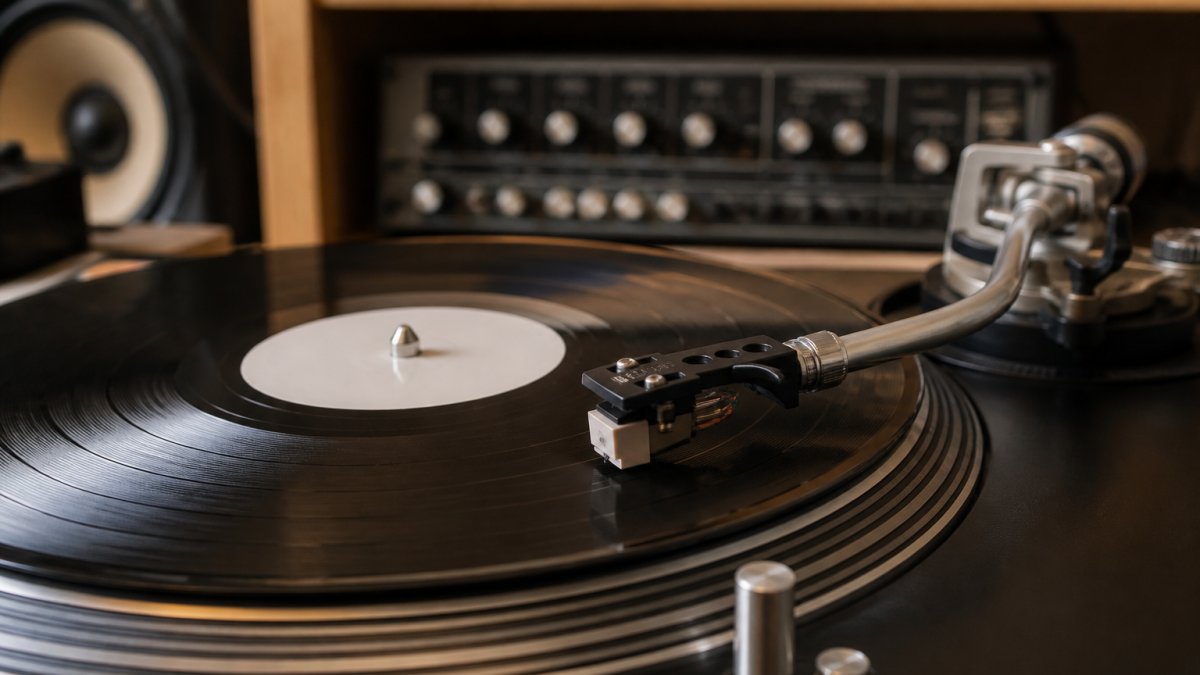
Start by gathering the right equipment. You need a turntable, an audio interface, recording software, and a computer. The quality of your equipment directly affects the quality of your digitised files. Cheap turntables and interfaces produce poor results. Investing in decent gear makes a real difference.
Equipment You’ll Need
A quality turntable is the foundation. It should have a good stylus, stable speed control, and low wow and flutter (pitch variations). Many older turntables still perform well. Newer models often include built-in preamps, which simplifies setup.
An audio interface connects your turntable to your computer. This device converts the analogue signal from your turntable into digital data your computer can record. Look for an interface with at least one line-level input. The best audio interfaces for turntable recording guide covers specific models and features to consider.
Recording software captures the audio from your turntable. Audacity is free and works well for basic digitisation. Adobe Audition, Reaper, and other professional tools offer more features. Most people find free software sufficient for personal vinyl digitisation.
A computer with enough storage completes the setup. Each vinyl record produces roughly 500 MB to 1 GB of audio data, depending on the format. A modest external hard drive stores dozens of albums inexpensively.
Step-by-Step Digitisation Process
Preparation is essential. Learn how to restore old vinyl records before recording to improve audio quality and protect your equipment. Clean your records with a soft brush or microfibre cloth. Remove dust and debris. Inspect the stylus on your turntable. Replace it if it looks worn.
Connect your turntable to the audio interface using the appropriate cables. Most turntables use RCA connectors. Connect the interface to your computer via USB. Launch your recording software. Set the input level so the audio peaks around -6 dB to -3 dB. This leaves headroom and prevents clipping.
Start recording before the needle touches the record. Let the turntable run for a few seconds to establish steady speed. Lower the stylus gently onto the record. Monitor the recording levels as the record plays. Stop recording after the final track ends, plus a few seconds of silence.
Save the recording immediately. Use a lossless format like WAV or FLAC. These formats preserve all the audio data without compression. Label the file clearly with the artist name, album title, and date.
The most common mistake is recording at too high a level. This causes clipping and distortion that cannot be fixed later. Aim for peaks around -6 dB and you will capture clean, usable audio.
Converting Vinyl Records to WAV Format
WAV format is the best choice for archiving vinyl records. It stores audio without any compression or loss of quality. When you digitise vinyl records, WAV files preserve every detail of the original recording.
WAV files are large. A typical album produces 300-500 MB of WAV data. This size is not a problem for personal storage. External hard drives are inexpensive.
FLAC format offers an alternative. FLAC compresses audio without losing quality. Files are roughly half the size of WAV files. Many music players and devices support FLAC. For long-term archiving, WAV and FLAC are equally good choices.
For understanding how different formats compare for your specific needs, the FLAC vs MP3 for vinyl archiving guide explains the trade-offs between popular audio formats. This helps you choose the right format for your digitised collection.
MP3 format is not recommended for archiving. MP3 uses lossy compression, which discards audio data to reduce file size. The quality loss is permanent. Once you create an MP3 from a vinyl record, you cannot recover the lost audio.
Sharing Digitised Music Online and Copyright Rules
This is where the legal boundaries become strict. You cannot share your digitised vinyl records online, even if you own the original records. Uploading to cloud storage, streaming services, file-sharing sites, or social media violates copyright law.
The format-shifting right covers personal use only. It does not cover distribution. Sharing files with friends, family members, or the public crosses this line. Copyright holders retain the exclusive right to distribute their work.
Some people believe that sharing within family is acceptable. It is not. Sending digitised files to relatives, even as gifts, is technically copyright infringement. The law does not create exceptions for family sharing or non-commercial use.
Services like Spotify, Apple Music, and YouTube Music provide legal ways to listen to music on multiple devices. These services pay copyright holders for the right to distribute music. Using these services respects copyright while giving you the flexibility you want.
If you want your digitised records accessible on multiple devices, use private cloud storage like Nextcloud or a personal media server. These keep your files private while making them available to you wherever you are.
When to Use Professional Digitisation Services
Professional digitisation services handle the technical work for you. They have specialised equipment, experience with different record conditions, and expertise in audio restoration. For valuable records or large collections, professional services often deliver better results than DIY digitisation.
Professional services also handle copyright compliance. They understand the legal framework and ensure your digitised files are created for personal use only. They do not share or distribute your files. Your privacy is protected.
The professional digitisation worth guide explores whether professional services make sense for your situation. Factors include the number of records, their condition, your technical comfort level, and your budget.
Professional digitisation costs vary based on quantity and turnaround time. Showbiz Video Productions offers same-day service in most cases, with transparent pricing and professional-grade equipment.
Families with large collections of irreplaceable vinyl records, records in poor physical condition, or those who lack the time or technical skills to digitise themselves.
To digitise vinyl records legal, you must own the original records and keep the digital files private for personal use only.
For most people, DIY digitisation works well with basic equipment and free software. We handle your precious records with professional-grade equipment and care. Get A Quote today to learn how we can preserve your vinyl collection safely and legally.
Frequently Asked Questions
Is it legal to digitise vinyl records I own for personal use?
Yes, digitising vinyl records you legally own for personal use is generally permitted under format-shifting provisions in copyright law. The key requirement is that you own the original record and keep the digital copy private for your own use. You cannot distribute, share publicly, or sell the digital files. Copyright protection remains with the original artist and label, even after digitisation.
Can I share or upload digitised vinyl tracks online?
No. Uploading digitised vinyl to streaming platforms, social media, or file-sharing services breaches copyright law. The artist and record label retain exclusive rights to distribute their music. Sharing digitised music online, even with friends or family, violates copyright unless you have explicit permission from the copyright holder. Personal use means private playback only.
What’s the difference between converting vinyl to WAV versus MP3?
WAV files preserve the original audio quality with lossless compression, making them ideal for archival and high-fidelity playback. MP3 files use lossy compression, reducing file size but sacrificing some audio detail. For preserving precious vinyl records, WAV is the professional choice because it captures the full sound without degradation. MP3 is more practical for everyday listening and sharing on portable devices.
Can a business digitise my vinyl records for me?
Yes, professional digitisation services can legally convert your vinyl records to digital format. Businesses like Showbiz Video Productions handle format-shifting on your behalf, which falls within personal use rights as long as the digital files remain yours and aren’t distributed. Professional services use high-grade equipment to ensure superior quality compared to home digitisation, making them ideal for irreplaceable or valuable records.
